WordPress
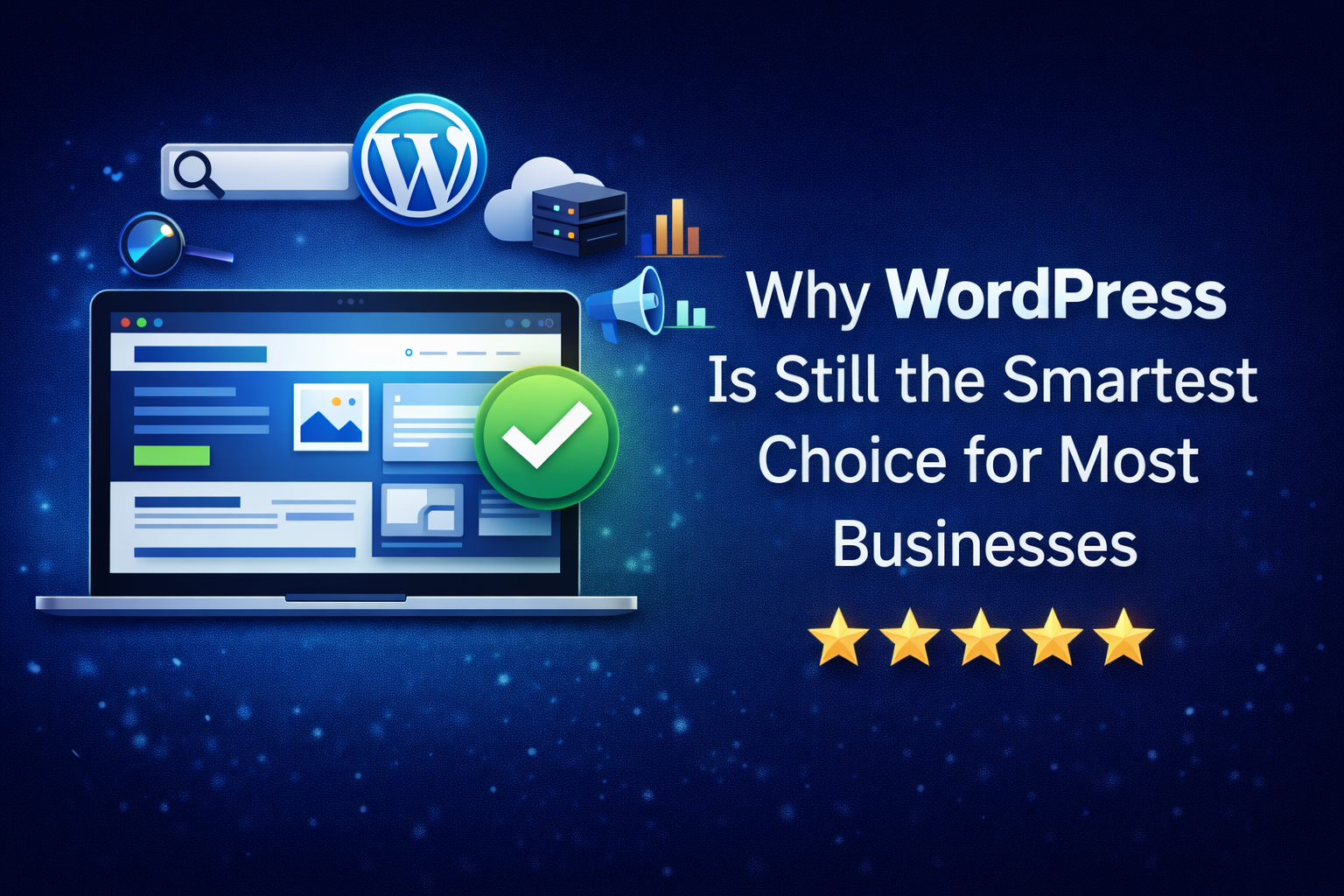
Why WordPress Is Still the Smartest Choice for Most Businesses
There is always a new platform trending. Here is an honest look at why WordPress is still the safest choice for most business websites in 2026.
Custom WordPress builds, repairs and rebuilds — fast, secure and structured so your team can actually maintain them.
WordPress runs more than forty per cent of the web, which means almost anyone can install it — and plenty do, badly. The difference between a WordPress site that serves you for years and one that fights you every week comes down to how it was built: a sensible plugin stack, clean templates, real performance work and a structure your team can understand.
As WordPress developers in Abbotsford, our development services are built for businesses that need more than a stock theme — custom page structures, content types for services or staff, e-commerce, membership areas and integrations with the tools you already use. We also repair sites that someone else abandoned, which is often where the real value is.
Custom themes or Elementor builds, depending on what your team will maintain
WooCommerce stores with Canadian tax, shipping and payment setup
Custom post types and fields for services, staff, properties or inventory
Migrations from Wix, Squarespace or an older host, with redirects handled
Build, repair, speed up or extend
Purpose-built templates and page structures, with the editing experience designed around the people who will use it daily.
White screens, plugin conflicts, failed updates, broken forms, hacked sites — diagnosed and fixed without guesswork.
Product catalogues, checkout, taxes, shipping zones, payment gateways and order emails configured for Canadian retail.
Caching, image compression, script cleanup and Core Web Vitals work that makes pages measurably faster.
CRM, email marketing, booking, accounting and payment tools connected so data stops being copied by hand.
Hardening, staging, backups and update management to keep the site stable and protected over the long term.
Audit, plan, build, hand over
01
We review the current site, hosting, plugins and search setup, then document what is worth keeping.
02
A clear project scope covering structure, content types, integrations and timeline.
03
Development happens on staging with real content, so what you review is what you get.
04
Documentation, logins, training and a care plan option — no black boxes and no lock-in.
There is a plugin for almost everything, and that is the problem. Ten overlapping plugins create ten sets of scripts, ten update paths and ten chances for something to break. On a typical rescue project we remove more plugins than we add, then replace the gap with a small amount of purpose-written code that does exactly one job.
Sometimes the right answer is a lightweight custom plugin, sometimes a child theme, and sometimes simply configuring WordPress correctly. We will tell you which — and we will tell you when a plugin is genuinely the cheaper, more sensible option.
WordPress is not the right platform for every project, and we will say so when it is not. It is the right choice when you need content you can edit, a large library of pages and posts, e-commerce, or integrations with business tools. It is a weaker fit for very simple one-page sites where a simple static build is a better fit, or for highly custom applications where a framework is a better foundation.
Compared with hosted builders such as Wix or Squarespace, WordPress gives you more control over your content and integrations as your site grows. You own the site, the database and the content, and you can move hosting if your needs change.
Most WordPress sites are not hacked by sophisticated attackers; they are compromised through an outdated plugin, a weak password or a stolen login. The defence is boring and effective: automatic core and plugin updates tested on staging, strong passwords with two-factor authentication, a firewall, daily off-site backups and monitoring that notices when something changes.
If a site has already been compromised we clean it, remove backdoors, reset credentials, patch the entry point and restore anything damaged. Then we explain what happened in plain language, because a fix you do not understand is a fix that will happen again.
Development experience, not template assembly
You work directly with the person who builds your site, from the first conversation through launch.
We add only what earns its place, which keeps the site fast, stable and easier to update.
Logins, plugin decisions and editing instructions are written down, so you are never dependent on one person.
Optional care plans handle updates, backups, security and content changes after launch.
Straight answers to the usual questions
Yes. A large part of our work is improving sites built by someone else — fixing speed, repairing broken layouts, resolving plugin conflicts and cleaning up after abandoned projects. We start by reviewing the existing site and discussing options before changes begin.
Yes. We remove the malware, close the entry point, reset credentials, restore clean files from backup where needed and add hardening so it does not happen again.
Yes, including Canadian tax settings, shipping zones, payment gateways, product imports and order notification emails. We also handle catalogue-only sites where checkout is not required.
Yes. Content, images and URLs are moved across, with 301 redirects so existing search rankings and inbound links keep working.
Often, yes — it gives clients a familiar visual editor and keeps content editable without code. For projects where it adds unnecessary weight, we build custom templates instead.
Yes. Care plans cover core and plugin updates, backups, security monitoring, uptime checks and a monthly block of content edits.
Sometimes the right fix is a different service
Custom, mobile-first design built around your customers, your brand and the searches that bring them to you.
Replace spreadsheets with one pipeline for leads, quotes, jobs, invoices and follow-ups.
Fast, secure, Canadian-hosted WordPress with verified backups, staging and real support.
Practical reading before you spend a dollar
There is always a new platform trending. Here is an honest look at why WordPress is still the safest choice for most business websites in 2026.

Most business websites look fine and still lose enquiries. Here are the five reasons sites underperform — and the fixes that actually move the needle.
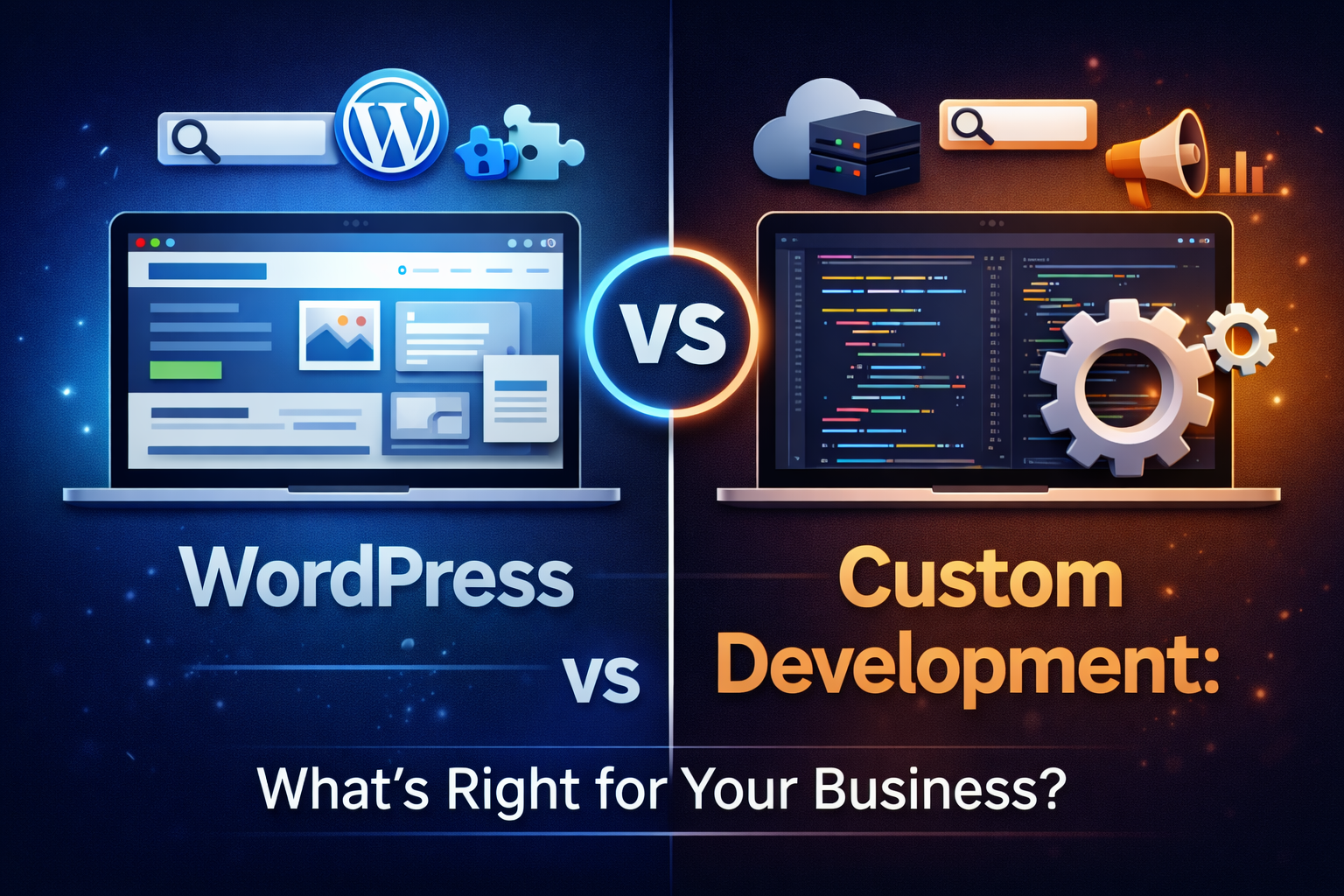
A practical comparison of WordPress and custom development on cost, speed, flexibility and long-term ownership — with no vendor spin.
Send us the details and we will discuss what is involved and how long it may take.